
AI & Ministry
AI Images in Church Slides and Social Posts: What to Watch
AI images are fine in church slides and social posts when they set a mood or illustrate an idea. The one line to hold: never use an AI image anywhere people could reasonably take it as a real photo of your church, your people, or something that happened.
Churches are starting to use AI images the way they once used stock photos. A sunrise behind the sermon title. A path through a forest for a series on guidance. An empty tomb for Easter. Most of this is harmless, and some of it is beautiful.
But a church has a problem a coffee shop does not. It asks people to believe what it says. When a church posts an image, people assume the church is telling the truth with it.
Is it okay for churches to use AI images?
Yes, as long as the image is plainly an illustration. A watercolor field behind a slide that reads "The Sower" fools no one. Neither does a painted mountain on a series graphic. Nobody looks at those and thinks, "So that's where the church went on retreat."
The images that cause trouble look like photographs and show the kind of thing a church would actually photograph: people at worship, a baptism, volunteers serving, a crowd at a youth event. Those are exactly the images AI now produces with ease, and exactly the ones a church should not fake.
Where does an AI image become a lie?
It becomes a lie when it borrows the trust people give to photographs. Say your church runs a food pantry, and you want a post about it. Nobody took pictures last month, so someone on the team generates one: smiling volunteers packing boxes in a bright fellowship hall. It looks better than anything your phone would take.
Nobody in that picture exists. Nobody packed those boxes. The people who read your post will believe they are seeing your ministry, and they are not.
The same is true of a "Baptism Sunday" image full of strangers, a missions update with a generated village, or a packed sanctuary on a slide promoting a service that usually draws forty. Each one says something about your church that is not true. Scripture is plain here: “Do not lie to one another” (Colossians 3:9, BSB). A picture can lie as well as a sentence can.
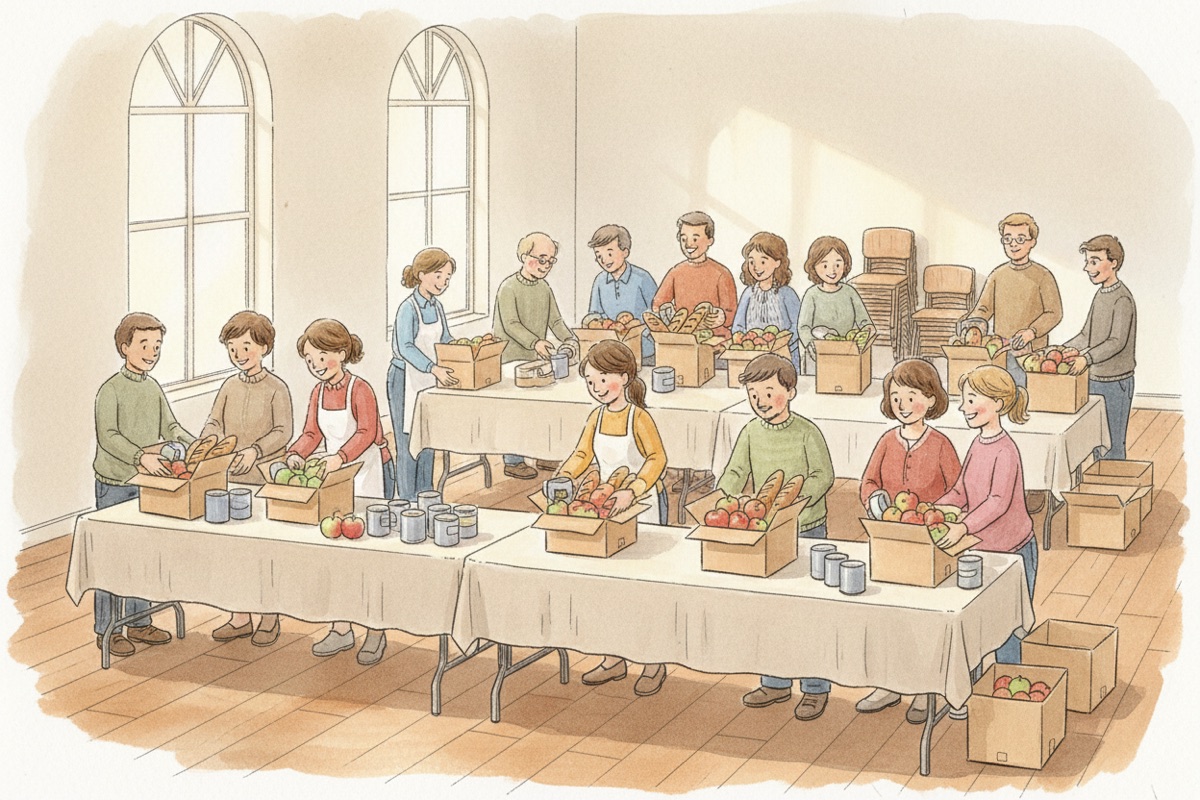
The cost comes later. Members recognize their own fellowship hall. Visitors who come because of a picture of a full, young, energetic room will notice the difference on Sunday. Once someone finds out one image was fake, they start wondering about the rest.
What about AI images of Bible scenes?
Use the same care you would give any Bible illustration, and a little more. Churches already hold different convictions about picturing Jesus and other scenes from Scripture. Follow your own tradition there. AI adds a new issue on top of the old one: it invents details with confidence.
Ask for the Sea of Galilee and you may get a European lake with a stone cathedral on the shore. Ask for Paul writing a letter and you may get a desk and a quill from a much later century. Ask for the empty tomb and you may get a door on hinges. These are not sins, but they are mistakes, and a church that teaches the Bible should not hand people a wrong picture of it if a quick look would catch the problem.
If you would send a children's Bible illustration back for a mistake like that, send the AI image back too.
Can you copyright an AI-generated image?
In most cases, no. In January 2025, the U.S. Copyright Office released Part 2 of its report on artificial intelligence, on copyrightability. It said that works entirely generated by AI are not copyrightable, and that prompts alone do not give the user enough control to count as the author. Human work can still be protected when a person creatively selects, arranges, or changes the material, and the Office looks at those cases one by one. Because no one owns a purely AI-generated image, others may be free to copy it.
This is not legal advice. If you have a specific question, ask a lawyer. But two practical points follow.
First, do not build anything you need to own on a purely AI-generated image. A church logo or the main artwork for a long-running ministry should be artwork your church clearly owns.
Second, think about whose work the image imitates. Asking a tool for an image in the style of a living artist you could have hired is a choice your church should make on purpose, not by default.
What should you check before posting an AI image?
Check the hands, faces, lettering, and historical details, then ask whether anyone could take it for a real event. Here is a short list:
- Look at the hands and faces. Extra fingers, melted features, and eyes that do not match still slip through. One odd hand makes the whole post look careless.
- Look for letters. AI images often include fake writing on signs, books, and banners. Make sure there is none, or that it says nothing strange.
- Check the time and place. If the image shows a Bible scene, ask whether the buildings, clothes, and landscape fit.
- Check for real-looking people. If a face looks like someone people might know, do not use it.
- Check for symbols. Flags, crosses, and other signs can come out wrong or carry a meaning you did not intend.
- Ask the honesty question. Could anyone in your church reasonably think this shows something that really happened? If yes, replace it with a real photo or do not post it.
Should you tell people when an image was made with AI?
Label any AI image that could pass for a photograph. A short line such as "Illustration created with AI" is enough. And never use one, labeled or not, to show your own church, people, or events. For images that look like paintings or clearly serve as backgrounds, a label is not needed, though you can add one if your church prefers to be consistent.
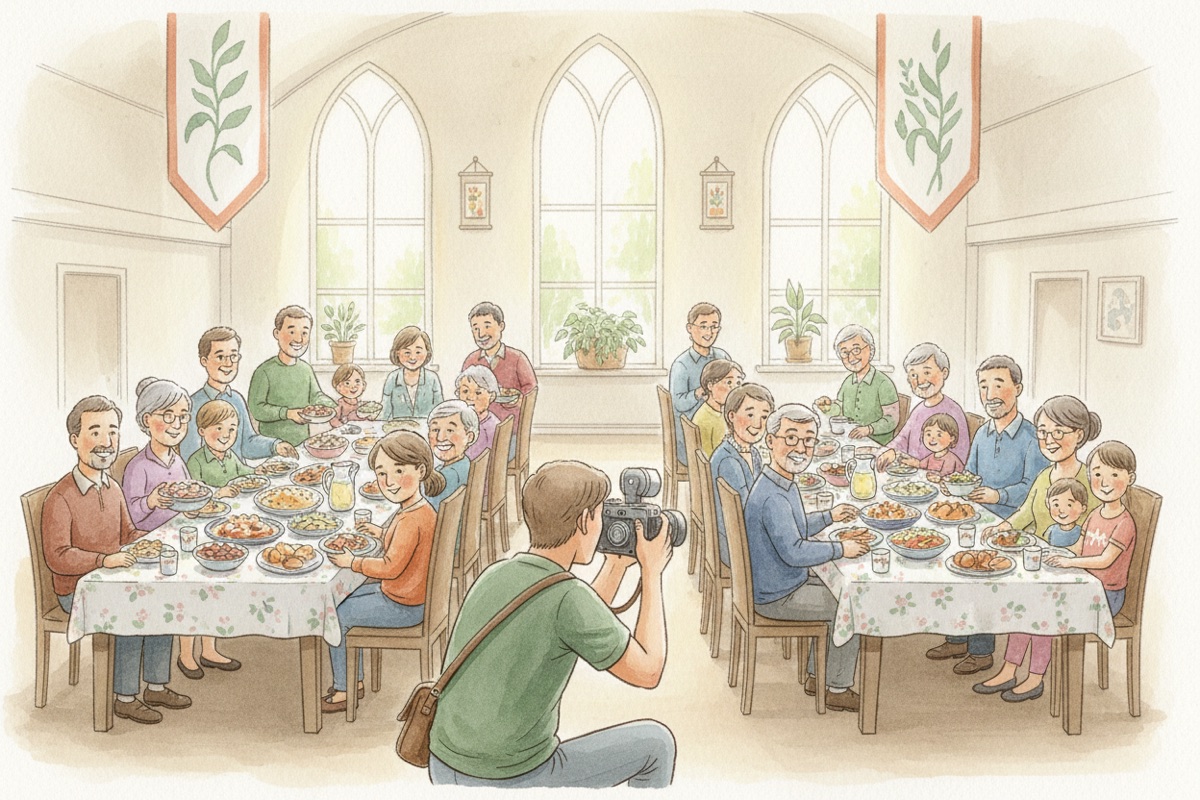
The watercolor illustrations on this page were made with AI. They are meant to look like paintings, not like anyone's real church.
If your church has a written AI policy, add a line about images. Our piece on what a simple church AI policy covers walks through the rest of what belongs on that page.
What should you use instead of fake photos?
Use real photos of your real church, even if they are less polished. Ask one volunteer to take pictures on Sunday and at events, with a simple rule about asking permission before posting people, especially children. A slightly crooked photo of your actual food pantry says more than a perfect image of a pantry that does not exist.
For everything else, plain design works. A verse on a clean background, a sermon title in good type, a color your church uses every week. Sermoneer's social cards and verse graphics are built this way: lines drawn from your sermon, set on simple text and color templates rather than generated pictures.
Where should your church draw the line?
Draw it at truth. Use AI images for mood and for illustrations that are obviously illustrations. Do not use them to show your church, your people, or your ministry. Those images ask people to trust what they see, and a church cannot afford to spend that trust on a better-looking picture.
You know your congregation and your tradition. Some churches will avoid AI images entirely, and others will use them freely for backgrounds. Either can be faithful. What matters is that nothing you post pretends to be something it is not.
Try Sermoneer
One sermon becomes a week of material: small group guide, devotional, social cards, and shorts.
Start free